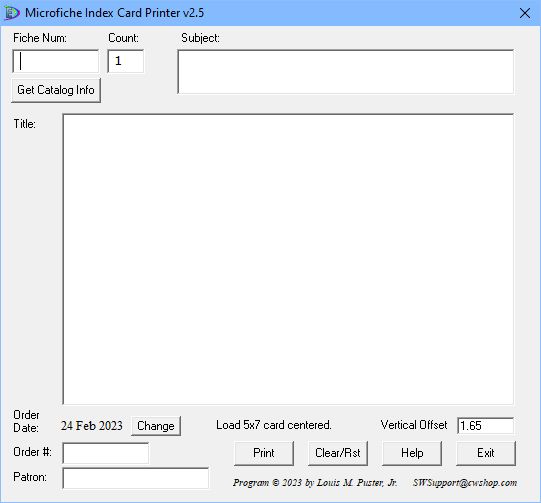
FCard prints index cards for microfiche.
Installation
- I’m sorry but I don’t have a way to “sign” this application.
- Click Download and move cursor to the download window.
- Click on three dots > Keep > Blue button right of “Delete.”
- Click on “Keep Anyway” > “Open File”
- Click on the link “More info” > “Run anyway.”
- Click on “Yes” > “I agree” > “Yes” > “Install” > “Close.”
- The application will be installed using the Windows Installer which means the application can be uninstalled like any other application.